Ledger Patches Ethereum App Flaw That Could Show One Transaction While Signing Another
Key Takeaways
- •Ledger patched a flaw in its Ethereum app that could display one transaction on the device screen while signing a different one.
- •The bug was reported by an outside researcher and treated as high severity because it broke the assurance that what a user sees on the display matches what gets signed.
- •The risk is heightened on Ethereum, where many transactions are contract interactions that are harder to verify than simple payments and may require blind signing.
- •A separate Ledger signing bug earlier this year was linked to losses on the Zilliqa network, showing how signing errors can result in real theft.
- •Users should update the Ethereum app via Ledger Live and continue confirming every transaction detail on the device screen before approving.
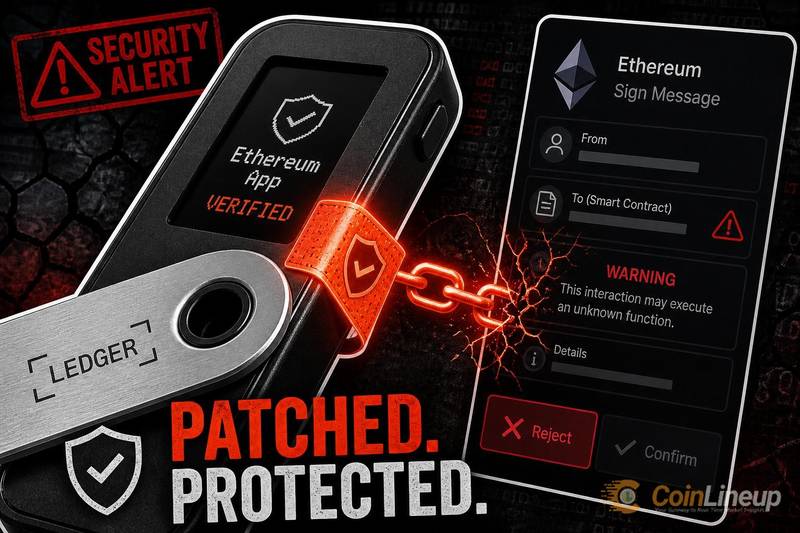
Ledger has patched a flaw in its Ethereum app that could allow a device to display one transaction on its screen while silently signing a different one. The bug struck at the core promise of a hardware wallet: that what a user sees on the display is exactly what gets approved.
What Ledger patched in its Ethereum app
A hardware wallet is a small physical device that stores cryptocurrency keys offline. The fix landed in the Ledger Ethereum app, the software that lets these devices sign Ethereum transactions. Ledger is one of the most widely used hardware wallet makers, so a flaw in this signing path had the potential to reach a large user base.
The problem was a mismatch. According to the researcher who flagged the issue, the screen could display one set of transaction details while the device signed something else.
That kind of gap is treated as high severity. The whole point of a hardware wallet is to let users verify a payment on a trusted screen before approving it; if the display cannot be trusted, that safeguard breaks. Ledger says the signing flaw was already fixed, as reported by crypto.news.
Why the transaction mismatch matters for Ethereum users
Hardware wallet security rests on one habit: reading the device screen before signing. Users confirm the amount, the recipient address, and the action on hardware that a hacked computer cannot easily fool. A transaction is prepared on the computer and then passed to the device for approval, which makes the screen the boundary between an untrusted machine and the keys held inside.
When the display and the signature disagree, that habit stops protecting the user. Someone could believe they are approving a small transfer while actually authorizing something entirely different.
Ethereum raises the stakes further. Many Ethereum transactions are contract interactions, which are calls to automated programs running on the blockchain. These are harder to read than a simple payment, so an accurate on-device prompt matters even more. The app already includes a setting known as blind signing, which users must enable for contract calls the device cannot fully decode; that option exists precisely because some transactions resist clear display, which makes the accuracy of everything the screen does show all the more important.
Display-versus-signing bugs are not unique to one product. Earlier this year, a Ledger signing bug was linked to losses on the Zilliqa network, showing how signing errors can cascade into real theft. Signing-layer risks also reach beyond wallets, as seen when an authorization flaw moved millions of BounceBit tokens.
What Ledger users should do after the patch
Because Ledger has shipped a fix, the first step is to update the Ethereum app through Ledger Live and confirm the current version is installed. Changes can be tracked in the app's public code and release notes on the Ledger Ethereum app repository, so follow-up fixes will be visible there as they land.
Users should keep verifying every transaction detail on the device screen before approving, even after updating. If what the device shows ever disagrees with what the computer displays, rejecting the transaction is the safe default. The screen is the last line of defense, and slowing down to read it costs nothing.
The practical takeaway is simple: update the app, then trust what is shown on the hardware screen, not just the computer.
Disclaimer: This article is for informational purposes only and does not constitute financial or investment advice. Cryptocurrency and digital asset markets carry significant risk. Always do your own research before making decisions.

