How to Download Your NIN Slip for Free on the NINAuth App
Key Takeaways
- •NIMC announced on Wednesday, via its official X account, that Nigerians can now download their NIN slip for free on the NINAuth app, which has more than 1 million Play Store downloads.
- •Registering on NINAuth requires entering a NIN, setting a six-digit PIN and completing a facial verification matched against the photo on the NIN record, which in Technext's testing occurs only once at sign-up.
- •The downloaded slip carries a scannable QR code instead of displaying the NIN, and the app's share code feature generates six-character alphanumeric codes, valid for 30 days, that let organisations access NIN data without seeing the number itself.
- •Only two of the four services listed under the app's 'Do more with NINAuth' section currently work — the NIN slip and the national tax ID — while the NHIA and Credicorp options are not yet available.
- •Technext's facial verification failed twice before passing on a third attempt, and the *346# short code for retrieving a forgotten NIN returned a 'temporarily unavailable' message across three attempts on both Airtel and MTN lines.
The National Identity Management Commission (NIMC) has announced that Nigerians can now download their National Identity Number (NIN) slip for free on the NINAuth app. The slip is the document Nigerians present to prove their NIN, a number that telecom operators, banks and other service providers routinely require, so being able to generate it directly on a phone is a practical change for many users. According to the commission, the process has become easier, although a hands-on test by Technext uncovered a few snags users should know about before trying it.
NIMC broke the news on Wednesday through its official X account, where it posted a short video walkthrough. The post declared that getting a NIN slip “has never been easier” and described the process as fast, secure and contact-free.
Technext downloaded the app and tested every step. Here is how it works in practice.
Before you start
- Have your NIN ready, because it is the only detail the app asks for at the start.
- Connect to the internet, since NINAuth does not work offline.
- Find a well-lit spot, because sign-up includes facial verification.
Step-by-step guide to generating a NIN slip on NINAuth
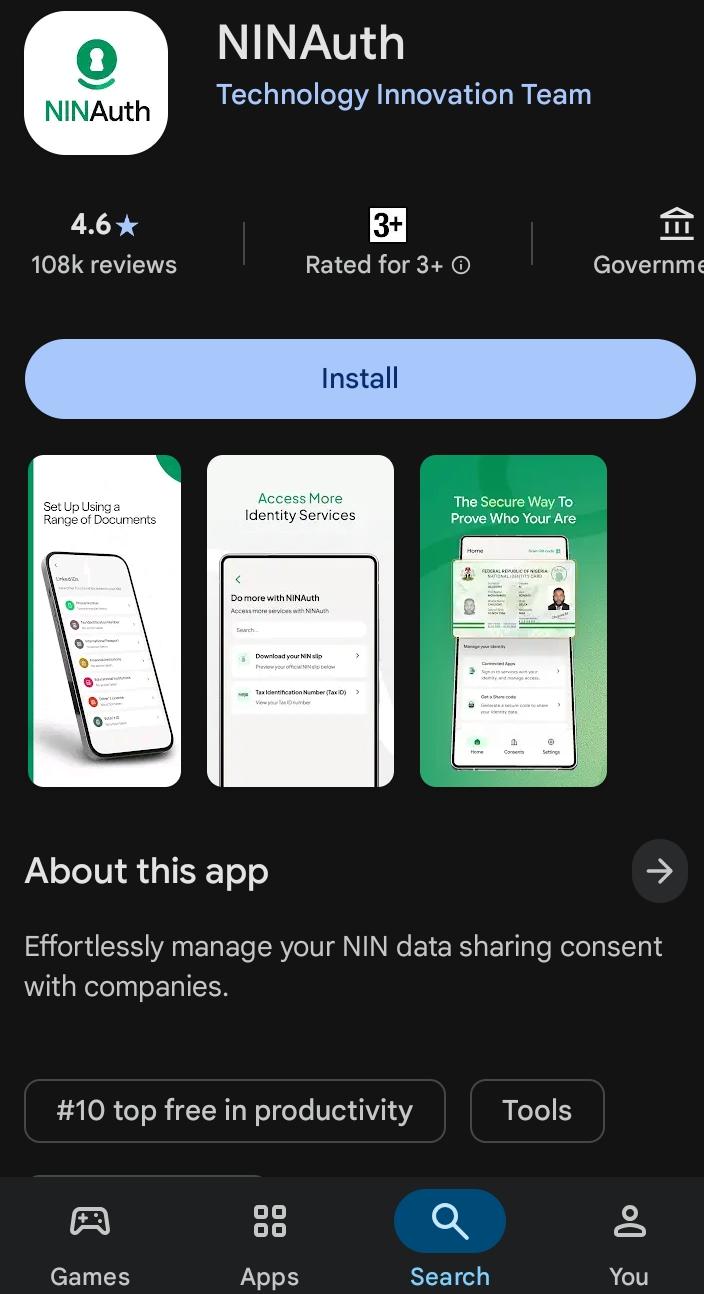
- Download NINAuth from the Play Store. It is listed under Technology Innovation Team and has more than 1 million downloads.
- Open the app and enter your NIN.
- Set a six-digit PIN, which you will use for later logins.
- Complete the facial verification, which the app matches against the photo on your NIN record.
- Once verified, your profile is set up automatically.
- Tap “Do more with NINAuth”.
- Select NIN slip.
- Tap “Download NIN slip” to generate and save the NIMC-issued slip to your phone.
The facial verification happens only once, at sign-up. In Technext’s tests, the app did not ask for it again when downloading the slip, and it did not reappear across three sessions. NIMC’s video, however, presents the facial check as part of the slip step.
What to do if facial verification fails
Technext’s verification failed twice before passing on the third try, using the same device and the same steps. The first attempt took place in a well-lit room, and the second was outdoors in natural light. Both failed even though every on-screen tip was followed.
The app advises users to use natural light or a well-lit room, keep their face within the frame and follow the on-screen guide, which asks them to smile, look up, look down, turn left, turn right and look at the camera. It also instructs users to remove hats, glasses and masks. If verification fails, the best course is simply to try again rather than assume the app is broken.
What the slip looks like and what else the app offers
The downloaded slip differs from the traditional one: instead of displaying the NIN, it carries a QR code that can be scanned.
NINAuth also includes a “get a share code” section. It generates a six-character alphanumeric code that an organisation requesting your NIN data can use to access it, meaning you never have to hand over the number itself or let anyone scan your QR code. The code expires after 30 days, and a new one can be generated at any time.
The “Do more with NINAuth” section lists four services, but only two currently work: the NIN slip and the national tax ID. The National Health Insurance Authority (NHIA) and Credicorp options are listed but are not yet available, which suggests more features are planned. How quickly those dormant options go live will be worth watching as the app develops.
Retrieving a forgotten NIN
The NIN is required to register on NINAuth, and Technext did not have its NIN at hand when it started. The outlet therefore tried the *346# short code, the usual route for retrieving a NIN, using an Airtel line. The attempt did not go through: the screen returned a “Carrier info” message that read, “This service is temporarily unavailable. Please try again later.”
To rule out a problem with a single line, Technext ran the same code on a second Airtel line and received the same message. A third attempt, this time on MTN, produced the same result. Three failed attempts across two networks point to a problem that goes beyond one SIM or one carrier. For anyone who has misplaced their NIN, the app is of little help for now, because registration is impossible without the number.