BitBox Adds Lightning Wallet to Mobile App Without a New Backup Phrase
Key Takeaways
- •BitBox has integrated a Lightning wallet into its mobile app, enabling quick Bitcoin payments from software users may already use.
- •The company states that activating the Lightning feature does not require creating a new backup phrase.
- •Lightning funds sit in payment channels whose state changes with every payment, which has historically made them harder to recover than standard on-chain wallets.
- •A 'no new phrase' setup does not guarantee automatic recovery, and whether an existing phrase alone restores Lightning funds is not confirmed.
- •Users should verify device compatibility, regional availability, fees, payment limits, and recovery steps through BitBox's official documentation before relying on the wallet for significant funds.
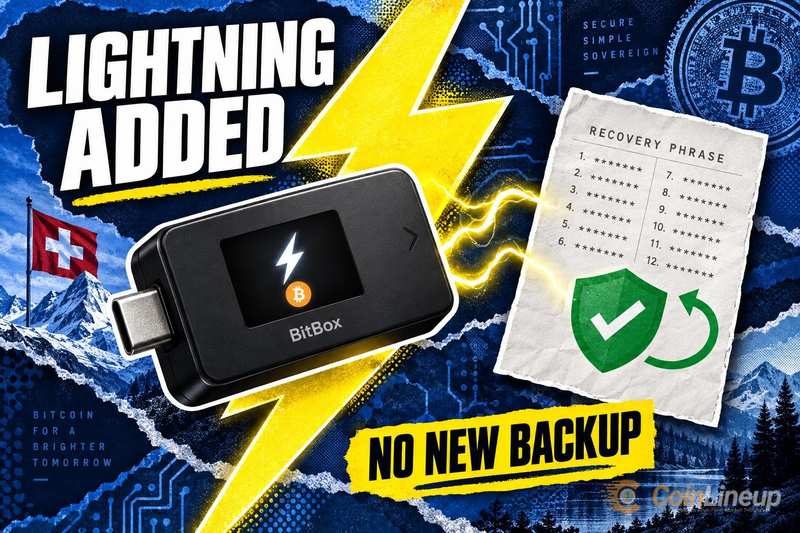
BitBox has introduced a Lightning wallet within its mobile app, and the company says users can activate it without creating a new backup phrase. Lightning is a fast, low-cost payment layer built on top of Bitcoin, and embedding a Lightning wallet in the phone app means Bitcoin holders can make quick payments directly from software they may already use.
A Lightning Wallet Inside the BitBox Mobile App
According to the announcement, the update places a Lightning wallet inside the mobile app of BitBox, the self-custody company best known for its BitBox02 hardware wallet. A backup phrase is the list of words that allows a crypto wallet to be restored if a device is lost. Lightning support has appeared in a growing range of consumer Bitcoin wallets as the network has matured, since it lets day-to-day payments happen without waiting for every transaction to confirm on Bitcoin’s base layer.
The core claim is straightforward: the Lightning feature now lives in the BitBox mobile app. Beyond that, the details available are limited. The publication timing, the supported phone platforms, the rollout status, and the exact payment features are not confirmed in the material provided, and those points remain open until BitBox spells them out, making the company’s own release notes and documentation the natural place to watch for answers.
No New Backup Phrase Required
The distinguishing claim is that adding the wallet does not require a backup phrase. In practical terms, users are not asked to write down another fresh list of recovery words to switch the feature on.
That distinction is notable because Lightning backups have historically been more complicated than on-chain ones. In a standard wallet, a backup phrase is enough to regenerate on-chain keys, but Lightning funds sit in payment channels whose state updates with every payment, so a word list alone has not always been sufficient to recover them. Avoiding a second recovery phrase also means one less list of words for users to store and safeguard.
That is not the same as saying there is no backup at all. “No new phrase” describes the setup step, not the full recovery process behind it.
The available material does not explain how the wallet stores its keys, how funds are held, or how the feature relates to BitBox hardware wallets. Whether an existing phrase alone restores Lightning funds is also not confirmed, so recovery should not be assumed to be automatic.
What Users Should Confirm Before Using the Wallet
Several practical questions remain unanswered. Users should verify which phones and app versions support the feature, whether it is available in their region, and what fees and payment limits apply.
The recovery path also requires confirmation. The “no new backup phrase” claim alone does not explain how access to funds is regained if a phone is lost, or whether any additional account or backup step is involved.
Wallet backup fundamentals are worth reviewing regardless of the app. The same care applies to desktop software; the recent changes to Bitcoin Core wallet defaults show how quickly wallet handling can shift between releases.
Security context also matters when moving Bitcoin between layers. Bridging and cross-layer tools have a mixed track record, as seen in the DeFi bridge hack involving fake BTC tokens, so users should read BitBox’s own documentation before storing meaningful amounts.
For a regular Bitcoin holder, the takeaway is measured. The addition sounds convenient, but recovery steps and platform support should be confirmed directly with BitBox before relying on the wallet for real funds.
Disclaimer: This article is for informational purposes only and does not constitute financial or investment advice. Cryptocurrency and digital asset markets carry significant risk. Always do your own research before making decisions.

