Google DeepMind、Scene Extension、キーフレーム制御、4Kアップスケーリング対応の Gemini Omni 1.1 Flash を発表
重要ポイント
- •Gemini Omni 1.1 Flash は、最大40秒まで10秒単位でシーンを延長でき、従来モデルが参照していた1秒より長い最大10秒の過去コンテキストを分析します。
- •開発者は開始・終了キーフレームを指定でき、モデルはその間を連続した動画として生成するため、カメラのオービット、ズームの切り替え、シームレスなループに対応します。
- •360p の下書きプレビューは、Google のスループット比較に基づき標準の 720p より最大60%高速、かつ3分の1のコストで生成でき、最終成果物は 1080p または 4K で出力できます。
- •Adobe は Gemini Omni Flash を Adobe Firefly に統合しており、Figma Weave、GMI Cloud、Runway などのパートナーは制作ワークフローでこのモデルを活用しています。
- •このモデルは開発者向けに Google AI Studio と Gemini Enterprise Agent Platform から利用でき、Google Flow では世界中の Google AI Plus、Pro、Ultra 加入者向けにも提供され、シーン拡張は Gemini アプリで利用可能です。
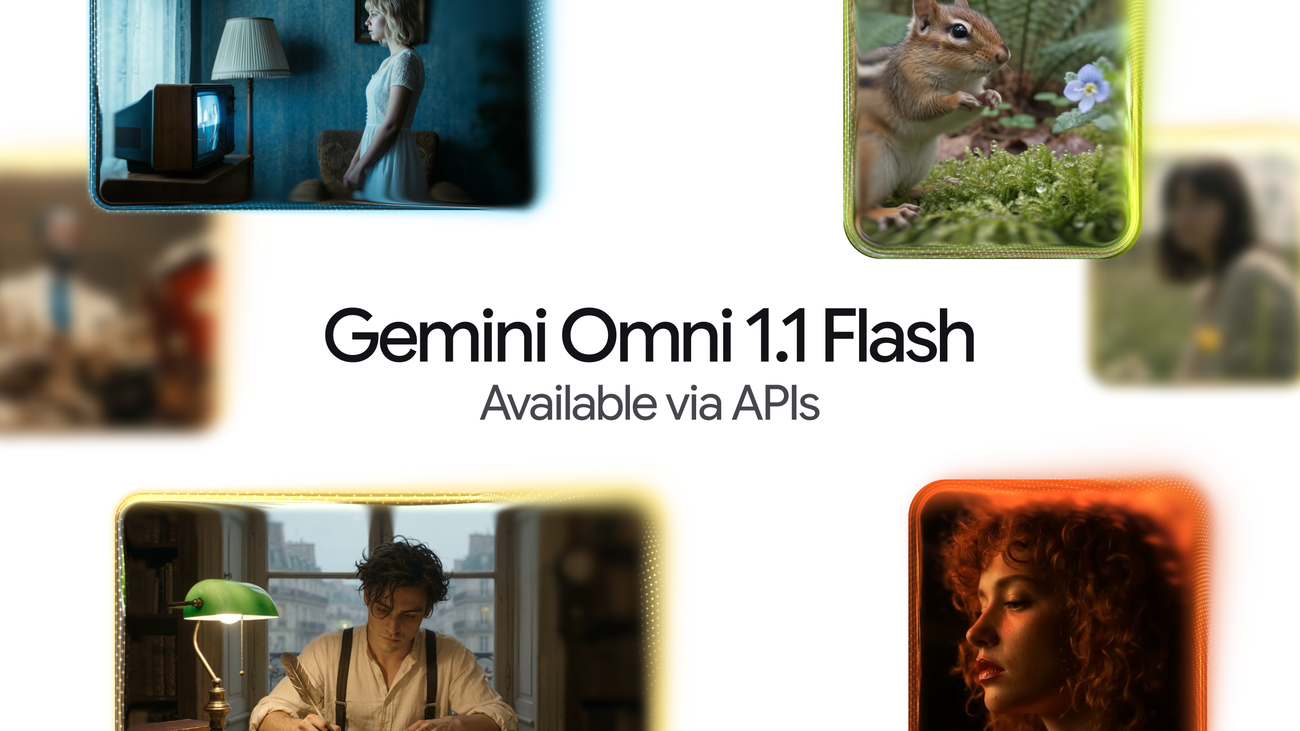
Google DeepMind、Scene Extension、キーフレーム制御、4Kアップスケーリング対応の Gemini Omni 1.1 Flash を発表
Google DeepMind は、Gemini モデル群を支える Google の AI 研究部門として、開発者に生成動画のより高度な制御を提供する本番利用向けアップデート Gemini Omni 1.1 Flash を発表しました。2026年8月27日に Google DeepMind のプロダクトマネージャーである Anish Nangia と Alisa Fortin によって発表されたこのリリースでは、シーンの延長、開始・終了フレームの補間、鮮明な 4K アップスケーリング、そしてより高速なプロトタイピングなど、スタジオ品質の動画制作機能が提供されます。開発者は Google AI Studio または Gemini Enterprise Agent Platform を通じて、今日からモデルの利用を開始できます。
Google によると、Gemini Omni は生成制作に実世界の推論をもたらし、今回のアップデートによって Omni 1.1 は Google AI Studio の Gemini API 経由で専門用途に対応した本番利用可能な状態になります。開発者が生成動画のワークフロー、クリエイティブツール、あるいはメディア編集ソフトウェアを構築する場合でも、このアップデートは生成動画をより制御しやすく、反復を速くし、実運用向けに洗練されたものにすることを目的としています。機能群は、未加工の生成と完成した制作物の間にある実務上のギャップ、つまり長い尺でも映像の一貫性を保つこと、カメラを意図的に操作すること、最終レンダリングに進む前に低コストで反復することに焦点を当てています。
主な機能は次のとおりです。
- 視覚的一貫性と物語の流れを改善したまま、シーンを最大40秒まで延長。
- 開始・終了フレームを指定して、滑らかでプロフェッショナルなカメラ移動とトランジションを作成。
- 360p プレビューを使って、より速く反復し、制作コストを抑制。
- 最終成果物を 4K 解像度までアップスケールし、洗練されたプロフェッショナルな見た目を実現。
長いストーリー向けのシーン延長
Scene extension は既存の動画を受け取り、途中で止まった位置からシームレスに続きを生成します。Omni 1.1 では、モデルが最大10秒分の過去コンテキストを分析できるようになりました。これは、直前の1秒しか参照しなかった従来モデルからの大きな進化です。Google は、この結果として視覚的一貫性と物語への忠実さが向上し、より長い物語を作成したり、新しい創造的方向へ分岐したりできるようになると説明しています。動画は10秒刻みで、累計最大40秒まで延長できます。長尺でも一貫性を維持することは生成動画の難題のひとつであり、従来のモデルは、元の長さを超えて映像を伸ばすと視覚的な崩れが起きやすい短いクリップを生成する傾向がありました。
発表とあわせて公開されたプロンプト例は、この機能を示しています。
- Prompt 1: Camera slightly pans and we now see she is talking to a man with curly hair, we see man's back, he says "I see it too" dramatic music score
- Prompt 2: Camera slowly pulls out, forgotten dusty catacombs, dramatic music score.
- Prompt 3: Camera slowly pulls out, a vast library where shelves and books float weightlessly in a dusty void, dramatic music score.
別の連続では、映画的なカメラ継続を示しています。
- Prompt 1: Continue the video. Execute a cinematic optical dolly-zoom shot. The camera dollies forward while simultaneously zooming out, keeping the character's frozen shocked face locked at the exact same size. The long corridor of stone pillars in the background dramatically stretches and deepens with intense optical perspective distortion. Clean architecture, continuous unbroken shot.
- Prompt 2: Continue the video. The camera executes a fast mechanical snap-zoom directly into the character's wide eyes. Stylized cinematic camera control.
- Prompt 3: Continue the video. Time completely freezes into a static moment: the character, their windblown coat. The camera performs a smooth, high-speed 360-degree orbital rotation around the frozen character, showcasing dramatic 3D depth and parallax across the colonnade. Flawless continuity.
さらに、会話に基づく延長例も示されています。
- Prompt 1: The man in the blue sweater replies: "Did your father go out on the boat too?"
- Prompt 2: The camera pulls back in one continuous movement as he continues his story: "He used to say that this harbour had a soul. And that the boats were a part of us." The music swells.
別の2つのプロンプトは、プレゼンター風の継続を扱っています。
- Prompt 1: The looks directly at the camera and talks about what the final chapter will end with!
- Prompt 2: He then stands up walks around the desk to the camera and says "what would you choose?"
Google は、Gemini API を使ってシーンを延長する方法も説明しています。
最初と最後のフレームの指定
開発者は、ショットの開始フレームと終了フレームを指定することで、滑らかなトランジションとカメラ移動を実現できます。Omni 1.1 は 2 つのキーフレームの間を連続した動画として生成するため、複雑なカメラのオービット、ズームの切り替え、シームレスなループクリップに適しています。例として次のプロンプトが挙げられています。
- Prompt 1: A close-up low-angle shot of a stylish drummer in a beige suit playing a red drum kit in a grand hall transitions as the camera whip-pans to the side, revealing an older saxophonist playing alongside a ballet dancer spinning in a white outfit under soft purple stage lights. One continuous shot, no jump cuts.
- Prompt 2: The camera zooms into the TV screen, where we see the same woman and the same scene from the beginning. Seamless video. One continuous shot, no jump cuts.
360p でより効率的に下書きを作成
Omni 1.1 は、標準の 720p 解像度と比べて最大60%高速、かつ3分の1のコストで 360p の軽量プレビューを生成できます。Google は、これが高速プロトタイピング、ストーリーボードの反復、開発者プラットフォームでの迅速なレンダリングに役立つと述べています。同社は脚注として、最大60%高速という数値は 360p と 720p のシステムスループット比較に基づくと補足しています。
例として、次のプロンプトが示されています。
A microscopic view of iridescent marine diatoms, displaying intricate, glass-like silica shells with breathtaking natural symmetry. The colors range from deep volcanic amber and warm copper to vibrant turquoise and violet, mimicking the rich palette of earth and ocean. Tiny, delicate structures glow softly against a clean dark field background. High-fidelity scientific imaging, sharp details, organic textures, micro-photography. Maintain the microscope lens effect throughout the entire video.
4K 解像度へのアップスケーリング
このモデルは、洗練された高解像度の 1080p または 4K 出力を生成し、専門的な制作にそのまま使える状態にします。例として次のプロンプトが挙げられています。
- Prompt 1: Fish swimming, tracking shot
- Prompt 2: A little chipmunk darting out of the woods from the left side of the screen and sniffing the air inquisitively before darting out of frame on the right side
- Prompt 3: Cinematic macro close-up of vibrant golden-orange Japanese maple leaves on a delicate branch, gently rustling and swaying in a soft, rhythmic autumn breeze. Sunlight filters through the translucent foliage, creating a warm, glowing effect. Shallow depth of field, dreamy bokeh background, hyper-detailed textures, photorealistic, 4k.
マルチモーダル入力での動画参照
開発者は、シーンを作成する際に最大3秒の動画を参照でき、動画参照に基づいて視覚的コンテキストとキャラクターの一貫性を維持できます。これは、テキストプロンプトだけでなく、与えられた映像を生成の土台にするアプローチです。例として次のプロンプトが示されています。
Use the three uploaded videos of dancers and replace them with the provided characters. Have them perform their individual dances from the reference videos, all together in the large, open space from the provided image. The dog character dog.png should do the classical dance from dance3.mp4. The octopus octo.png should do the hip hop dance from dance1.mp4, and the bear bear.png should do the breakdance from dance2.mp4. The final result should be one continuous shot with no scene cuts.
開発者が構築できるものの例
Google は、新しい機能をカスタムツールやクリエイティブワークフローでどう活用できるかを示すいくつかの概念を共有しました。
- ユーザーが最初と最後のフレームを差し込み、プリセットやプロンプトボックスでその間のトランジションを生成する、キーフレーム遷移アプリ。Omni のフルコンテキスト推論により、実写のように読めるカメラ移動を実現します。
- 部屋をカメラが移動していくルームツアーアプリ。アークし、押し込み、引き戻す動きを通じて、理想的な時間帯の家の姿を見せつつ、存在しない家具やディテールは追加しません。
- Draft Room。360p で 3〜4 個の下書きバリエーションを生成し、一度に1つの要素だけを変えながら、横並びで比較することで、創作の探索を安価かつ構造化します。Google は、クリエイターがすでに適切な1本にたどり着く前に複数の動画を生成していると述べています。
Omni Flash の本番導入事例
Google は、Agent Platform API を通じて、顧客がすでに Gemini Omni Flash を使って実世界の制作を進めていると述べています。Adobe は Gemini Omni Flash を Adobe Firefly に統合しており、同社は動画編集機能を示す動画を紹介しています。デザインツール、クリエイティブプラットフォーム、クラウドインフラにまたがるパートナー構成は、生成動画が単独のモデルとして提供されるだけでなく、既存の専門ワークフローに組み込まれていることを示しています。
パートナーは、モデルの使い方を次のように説明しています。
"Gemini Omni Flash is one of the strongest video models available in Figma Weave, where the canvas helps creative teams build on every generation — attaching references, branching different versions, and shaping something unique. With extensions, richer reference material, and 4K resolution, Gemini Omni Flash takes teams beyond generating videos to truly directing them." — Itay Schiff, Creative Director, Figma Weave.
"At GMI Cloud, we give creators centralized access to the world's most capable models. What stands out about Gemini Omni Flash is its accuracy: the details hold up under scrutiny. For customers creating educational and explanatory content, where getting things right is essential, that reliability matters more than any single feature. Omni has made AI video viable for a segment that previously couldn't rely on it." — Louisa Guo, VP of Marketing, GMI Cloud.
"Omni Flash fits naturally into how people already use Runway: start with a prompt, an image or a video, then generate or edit from there. It's another way for our users to move quickly between ideas." — Jamie Umpherson, Chief Creative Officer, Runway.
利用可能性と価格
Omni 1.1 は Google の開発者エコシステム全体で段階的に提供されています。
- Google AI Studio で開発を開始: 開発者は Google AI Studio で直接 Omni 1.1 を試せます。
- Gemini Enterprise Agent Platform にデプロイ: エンタープライズ開発者はこのプラットフォーム上で Omni 1.1 を展開できます。
- 開発者向けドキュメントを確認: 公式ドキュメント、cookbook、プロンプトガイド で、シーン拡張、動画参照、アップスケーリングをアプリに統合する方法を確認できます。
Omni 1.1 は、本日より Google Flow で世界中の Google AI Plus、Pro、Ultra の加入者にも利用可能です。シーン拡張は、Gemini アプリで世界中の Google AI Plus、Pro、Ultra の加入者が利用できます。開発者向けと一般向け加入者の双方に同時公開することは、API とアプリの両方で生成モデルを提供する Google の方針を継続するものです。
価格表を含む詳細は、Google DeepMind blog の元記事および Gemini Omni model page で確認できます。

